A free PDF reader designed for iPhone Duo
PDF Duo is a free, beautifully crafted PDF reader and editor for iPhone, designed for iPhone Duo and foldable iPhones: open your Duo to read like a book with a real page curl, sign and fill forms, and mark up anything, privately on your phone.

Free · No ads · No watermark · No account
Works on every other iPhone and on iPad too.

Read a PDF like a book on iPhone Duo
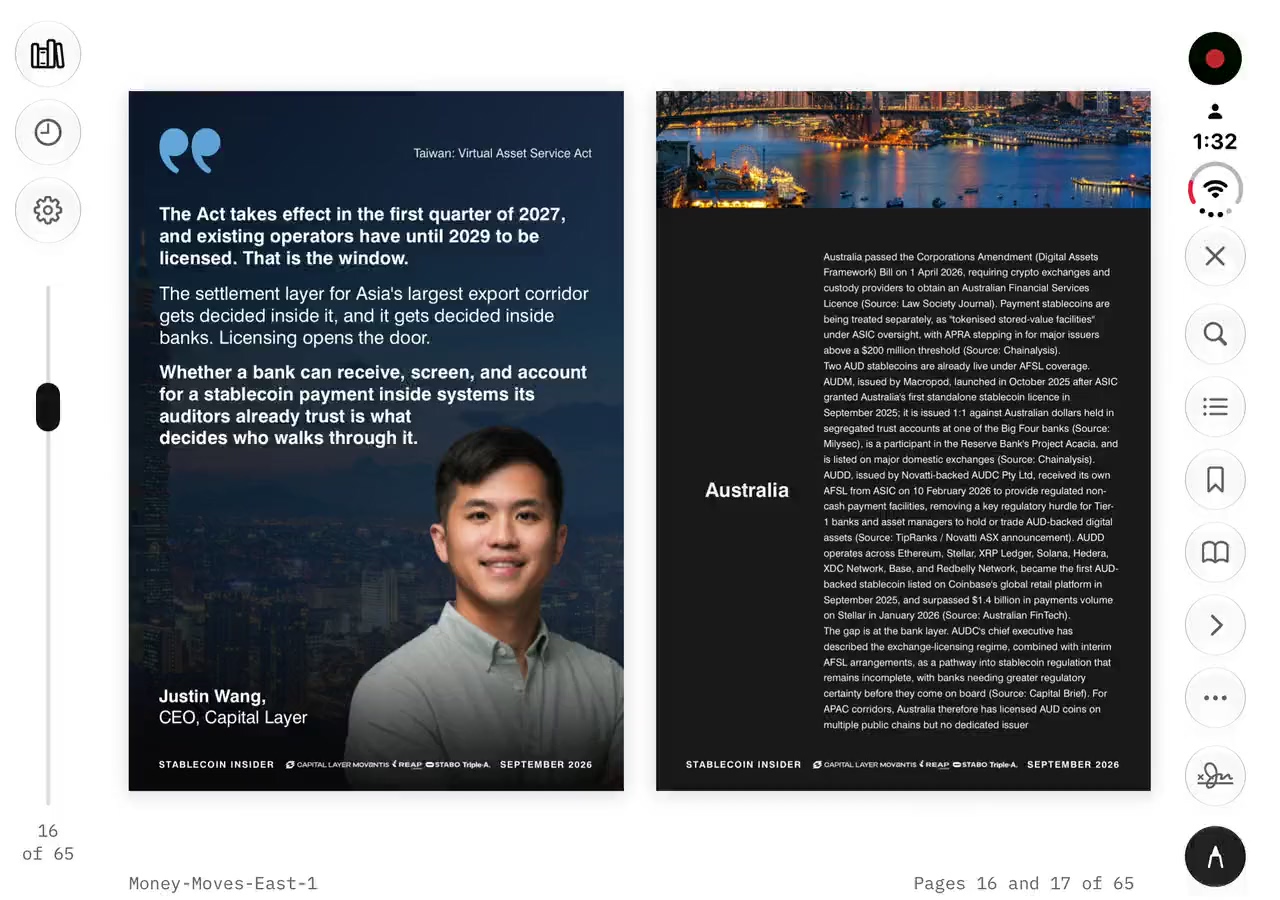
Open your Duo and two pages sit side by side, the spine on the real hinge. The cover stands alone on the right, then 2–3, 4–5, as in a printed book.
Pages curl over the spine under your finger, in every pose. With Reduce Motion on, they fade instead.
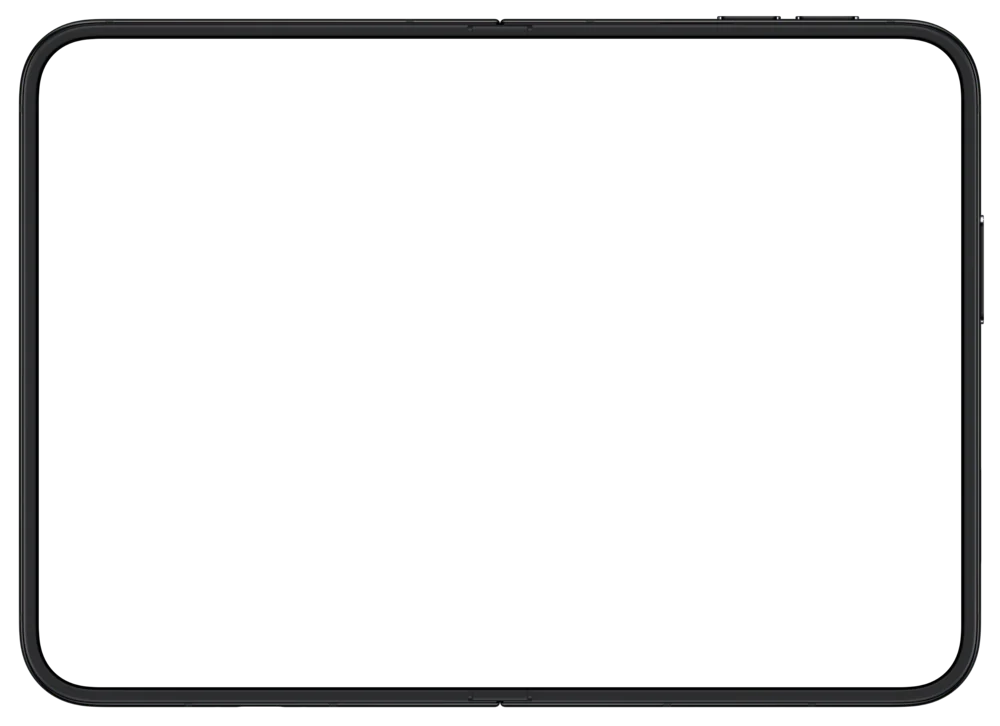
Bend the hinge. The page stands up.
Open upright: one large page
Hold the Duo open like a tablet and the page fills the screen, with every page under your thumb.
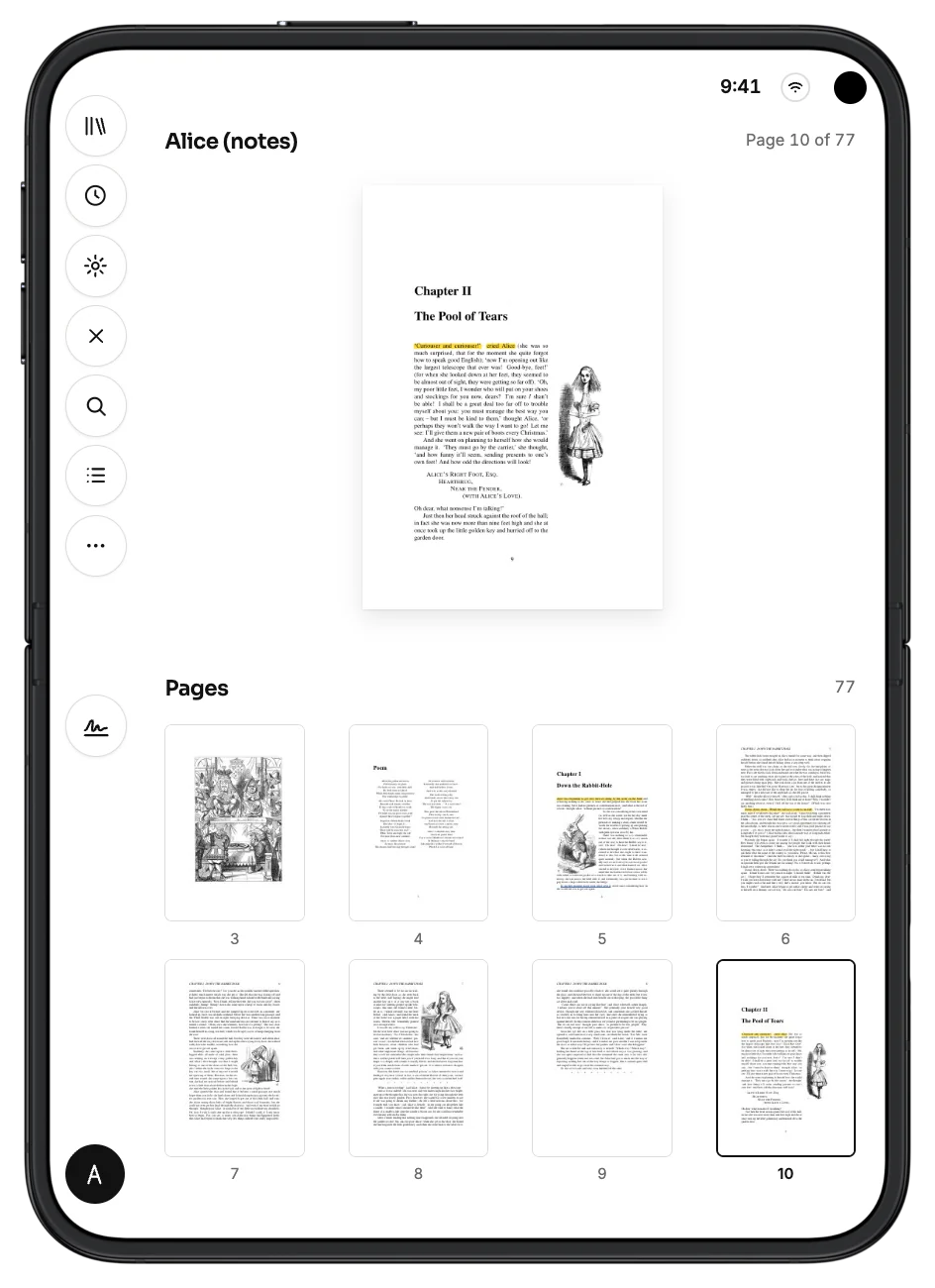
Half open, like a laptop
The page stands above the fold, with every page as a thumbnail below. Sign, and the signature pad lies flat under your hand.

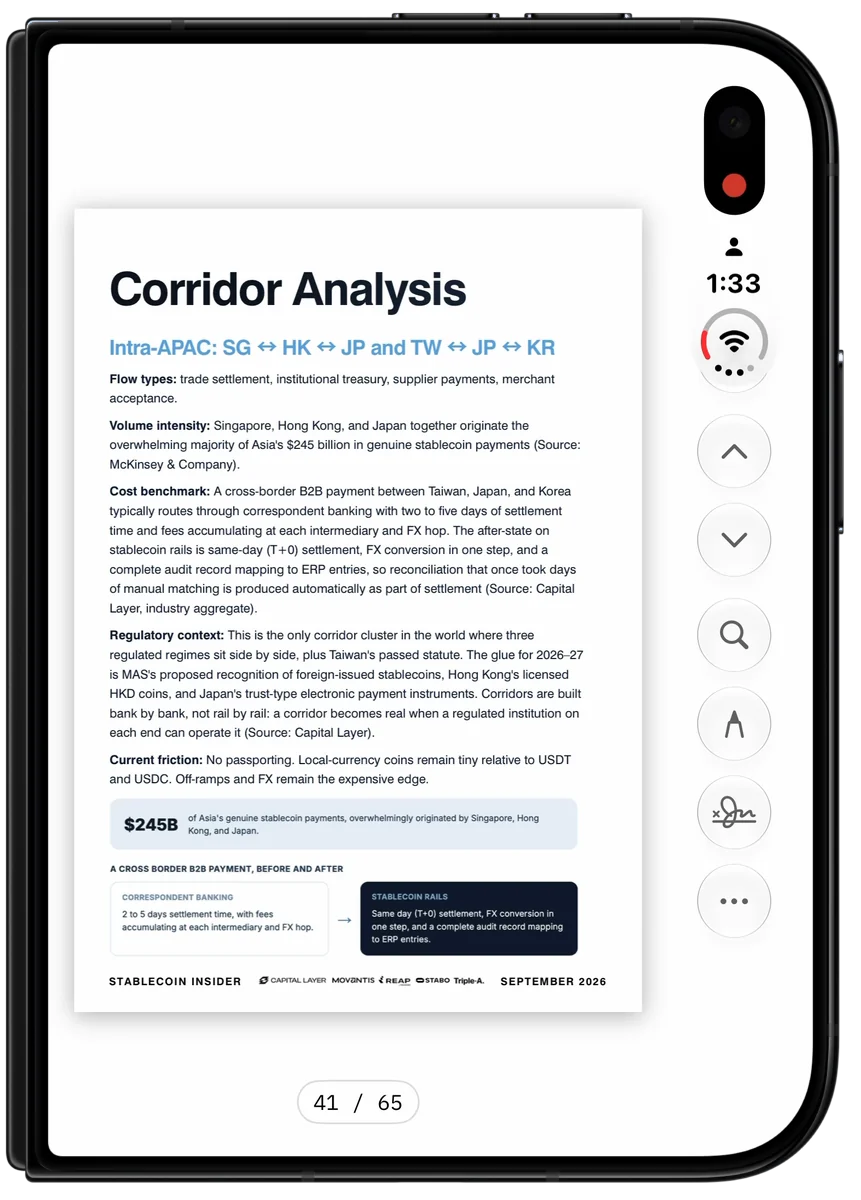
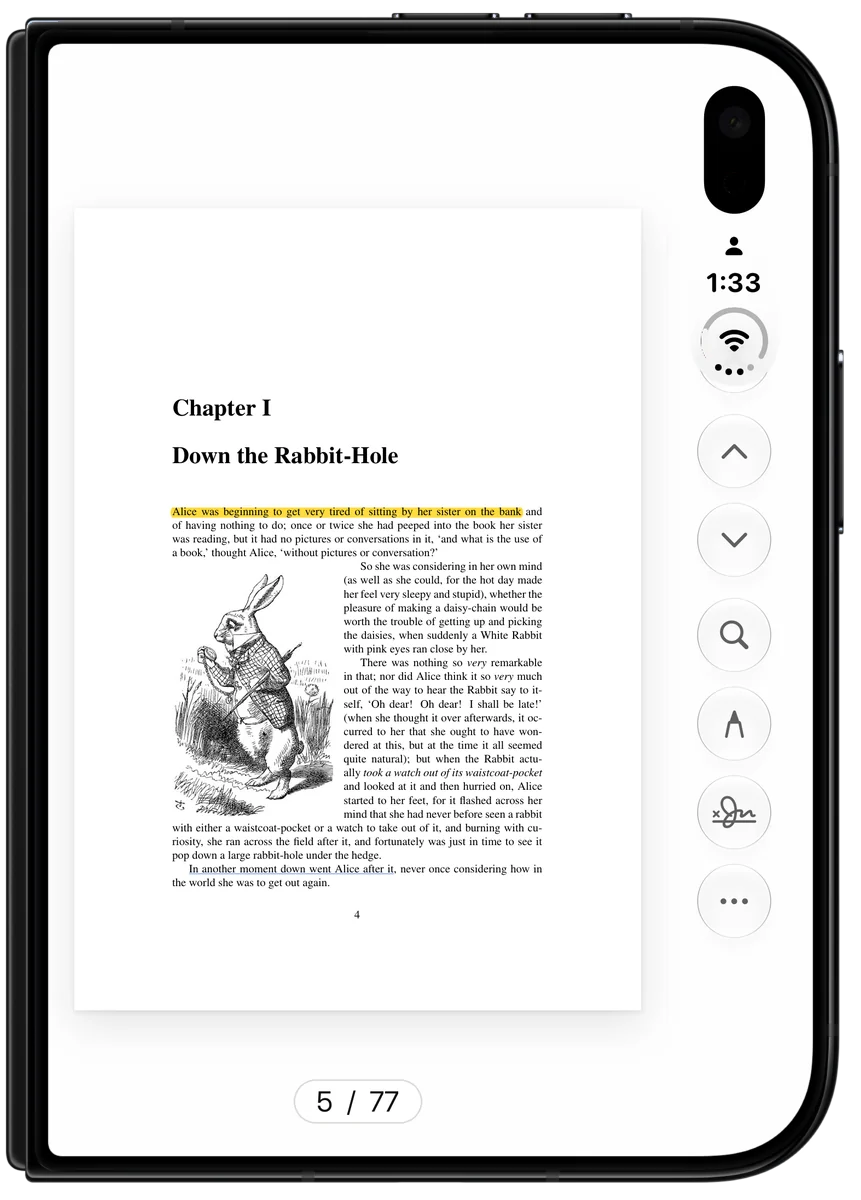
Closed, in one hand
Read on the outer screen with one hand. Every button stands in the Duo’s own control column, beside the clock, measured to the point.
- 0144 pt circles, the system’s own size
- 02Centered on the camera’s axis, 48 pt from the edge
- 03Pages curl here too
Sign and fill PDF forms on iPhone, free
Leases, contracts, school forms, delivery notes and invoices: signed and sent from your phone.
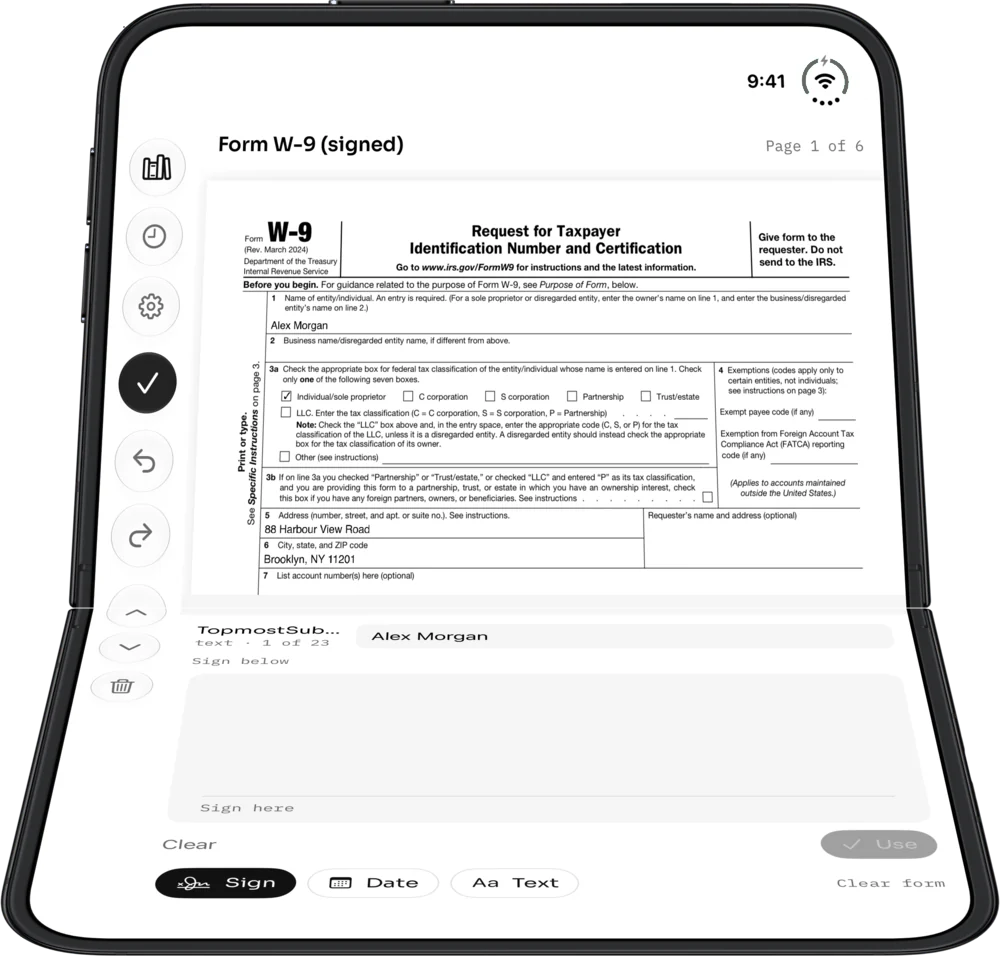
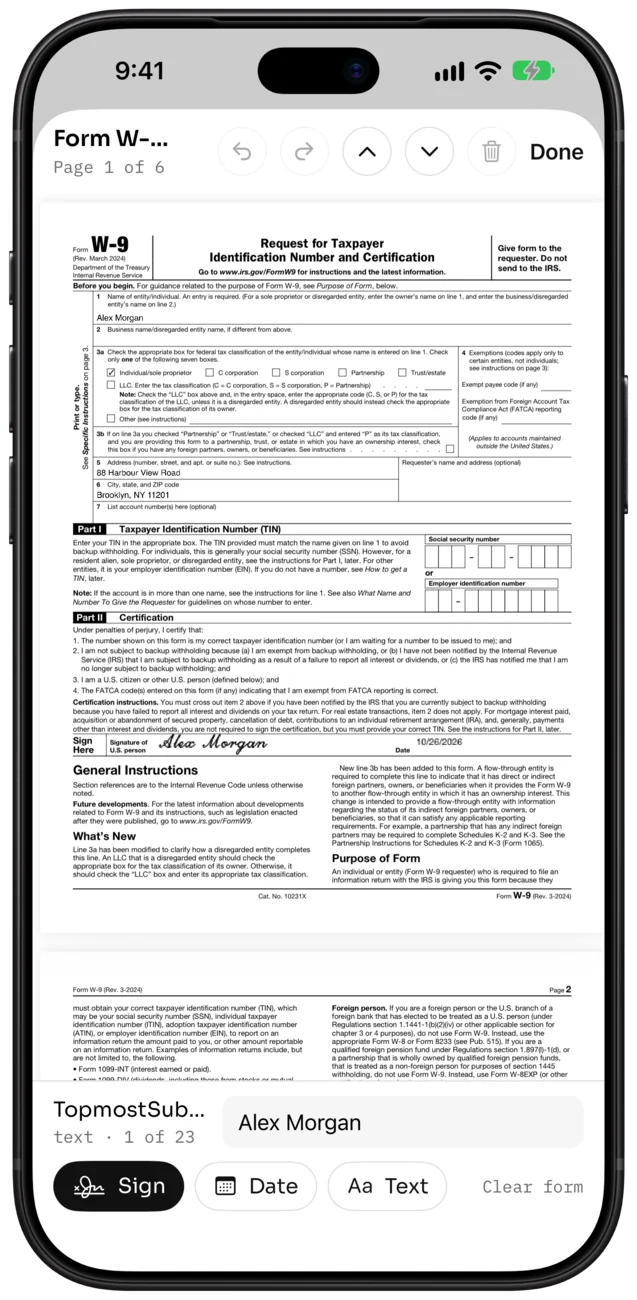
Fill field by field
Text fields, checkboxes, radio buttons, dropdowns and lists, with Next field to move on.
Sign with your finger
Drag, pinch and turn your signature into place. Saved signatures and initials stay on this phone.
Date it
Add today’s date or a line of text anywhere.
Send a flattened copy
Signature, marks and form values burned into the page, so it can’t be changed.
A handwritten signature placed on the page, not a certificate-based digital signature.
Free. All of it.
Reading, mark-up, form filling, signing and flattened export are all free, with no subscription.
No ads · No watermark · No account · No subscription
What editing covers. Sign, fill, highlight, draw, add text and notes, and reorder pages. Editing existing text or images is not supported yet.
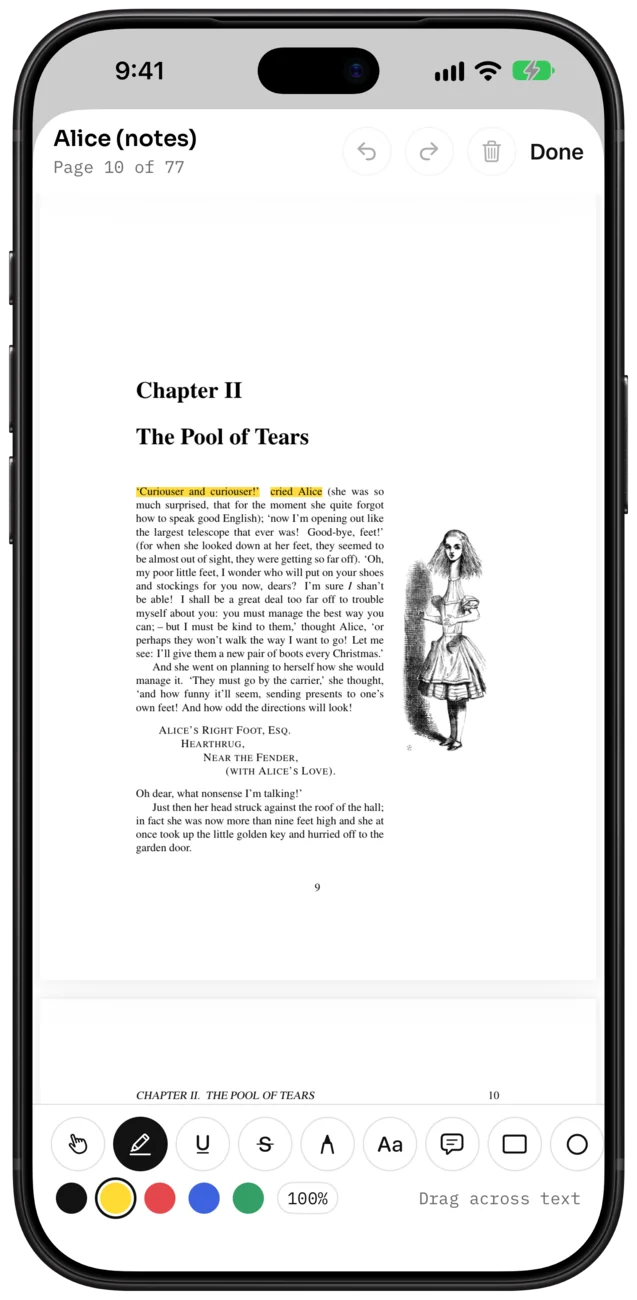
Highlight, draw, add notes
Highlight by running your finger along the text. Underline and strike through the same way.
Pen, text boxes, sticky notes, shapes and arrows
Five colors, three opacities
Select, move or delete any mark; undo anything
Saved as standard PDF annotations
Isn’t the built-in two-page view enough?
iOS already shows a PDF as two pages on the open iPhone Duo with Quick Look. PDF Duo builds on that for reading and paperwork.
Quick Look: two pages on the open Duo; Markup.
PDF Duo adds: a page curl over the spine; saved signatures, kept on this phone; form filling field by field; your place remembered in every document; a laptop pose for signing; a flattened copy to send.
Everything you expect from a PDF reader
Search. Find any word and see every match with its line.
Contents and bookmarks. Jump through the PDF’s own chapters. It reopens where you left off.
Compare two PDFs. Side by side across the fold, scrolling together.
Your files, where they are. Connect iCloud Drive or any folder once. Nothing to import.
Pages. Rotate, delete, reorder and extract pages; insert a blank page or a photo.
Locked PDFs. Open password-protected PDFs.
No account. No cloud. No tracking.
Your files stay yours. PDF Duo opens documents where they are, in your files. There is no cloud service of ours.
Signatures in the Keychain. Kept only on this phone, never synced or uploaded.
Works offline. Unsaved changes come back after a crash, and every save is checked before it replaces your file.
Questions
AppendixIs PDF Duo free?
Yes. Reading, mark-up, form filling, signing and flattened export are all free, with no ads, no watermark, no account and no subscription.
Does it work on other iPhones and on iPad?
Yes. PDF Duo is designed for iPhone Duo and foldable iPhones, and works on every other iPhone and on iPad too.
How is it different from the iPhone Duo’s built-in two-page view?
Quick Look shows two pages and Markup. PDF Duo adds a page curl over the spine, saved signatures, form filling field by field, your place remembered in every document, and a laptop pose for signing.
Does it work when the Duo is closed?
Yes. Closed, you read with one hand, and the buttons stand in the Duo’s own control column beside the clock.
Can it edit the existing text in a PDF?
Not yet. You can sign, fill, highlight, draw, add text and notes, and reorder pages.
Is my signature a digital certificate?
No. It is a handwritten signature placed on the page. Certificate-based digital signatures are not supported.
Does it support Apple Pencil?
Not on iPhone Duo yet.
Is this PaperDuo, or UPDF’s “PDF Duo” view?
No. PDF Duo is a separate app by Alano, with no connection to PaperDuo, UPDF, Duolingo or Duo Mobile.

Turn your first page.
Free · No ads · No watermark · No account